Waking the server…
It naps when nobody’s around. Give it a few seconds.
Waking the server…
It naps when nobody’s around. Give it a few seconds.
Case study
A project management app that combines Trello's Kanban boards, Jira's issue tracking, and Notion's documents into one desktop experience — with cloud sync for teams.
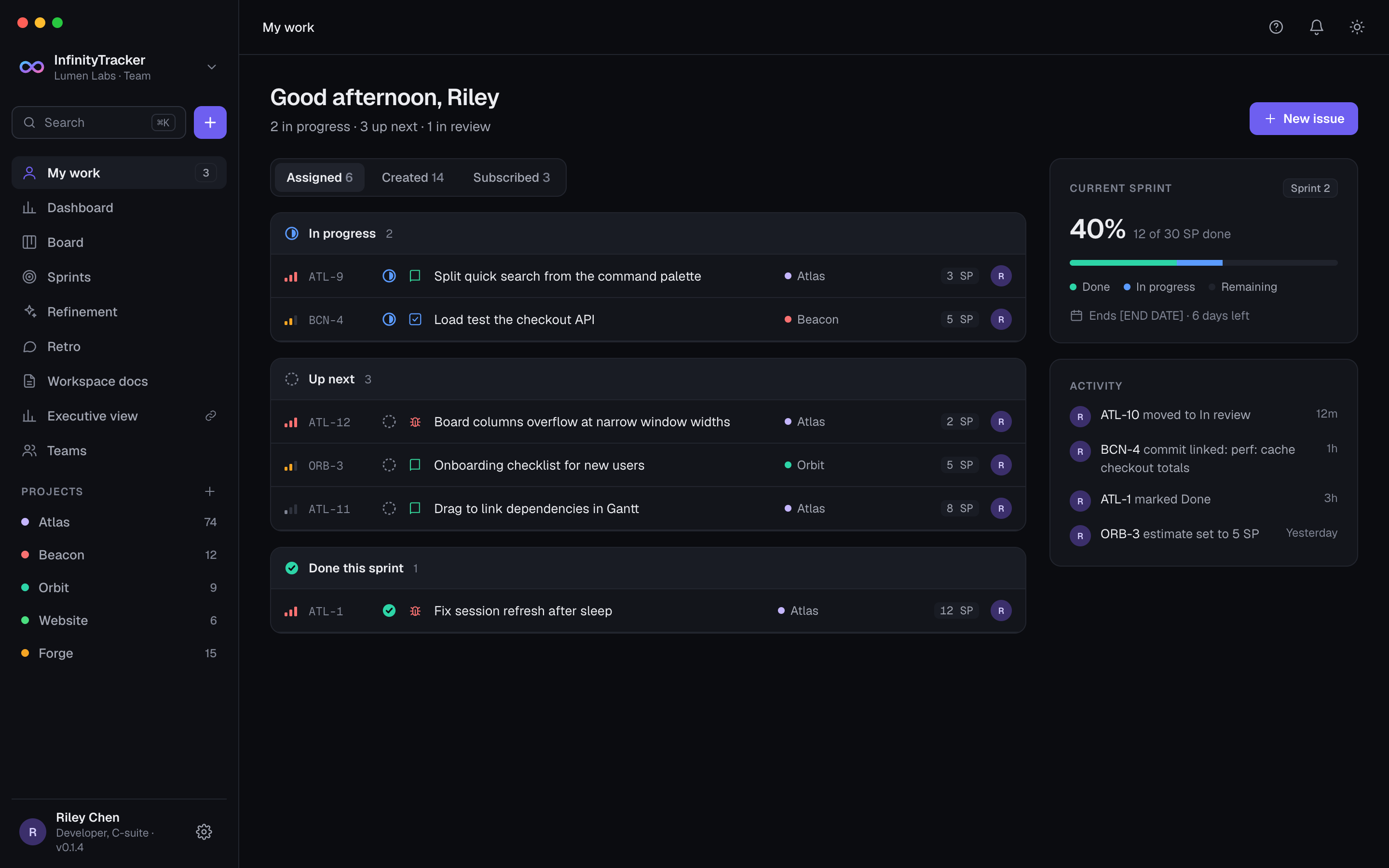
Infinity-Tracker is a project management application that combines the best features of Trello, Jira, and Notion into one seamless desktop experience. It supports both Agile and Waterfall methodologies while maintaining simplicity and power in project management.
The app has three main components:
It's designed for development teams who need issue tracking, sprint planning, and document management — but don't want the bloat of Jira or the complexity of Notion. The desktop app is local-first (works offline), with cloud sync as an optional add-on for multi-device access and team collaboration.
Project management tools fall into two camps: simple boards (Trello) that lack issue types and sprints, and complex trackers (Jira) that are slow and hard to learn. Notion is flexible but not built for project management — you have to build your own system from scratch. Teams end up using multiple tools: one for boards, one for issues, one for docs. This fragmentation wastes time and creates context switches.
Next project
Portfolio
How might we build a project management tool that combines the simplicity of Trello, the power of Jira, and the flexibility of Notion — without any of the bloat?
Infinity-Tracker is built as a monorepo with three main components:
Desktop app (Infinity-project-management/) — Electron 35 app with React 19 frontend. Uses Vite for the renderer build, TypeScript for type safety, and SQLite for local storage. The codebase is split into:
board-store.ts, doc-store.ts, issue-store.ts, retro-store.ts, roadmap-store.ts, team-store.ts, theme-store.ts, ui-store.ts, update-store.ts, user-store.ts, workspace-store.ts.Web app (Infinity-Tracker-Web/) — React 18 + Vite app with Tailwind CSS. Includes a marketing site (home, features, pricing, docs) and an account portal (licences, billing, team management). The web app is backed by Supabase for cloud sync, real-time collaboration, and team features.
Cloud API (Infinity-Tracker-API/) — Supabase project with PostgreSQL database, Realtime, Storage, and Edge Functions. Migrations define the schema (workspaces, profiles, projects, issues, sprints, documents, etc.). RLS policies ensure users only see data for workspaces they belong to.
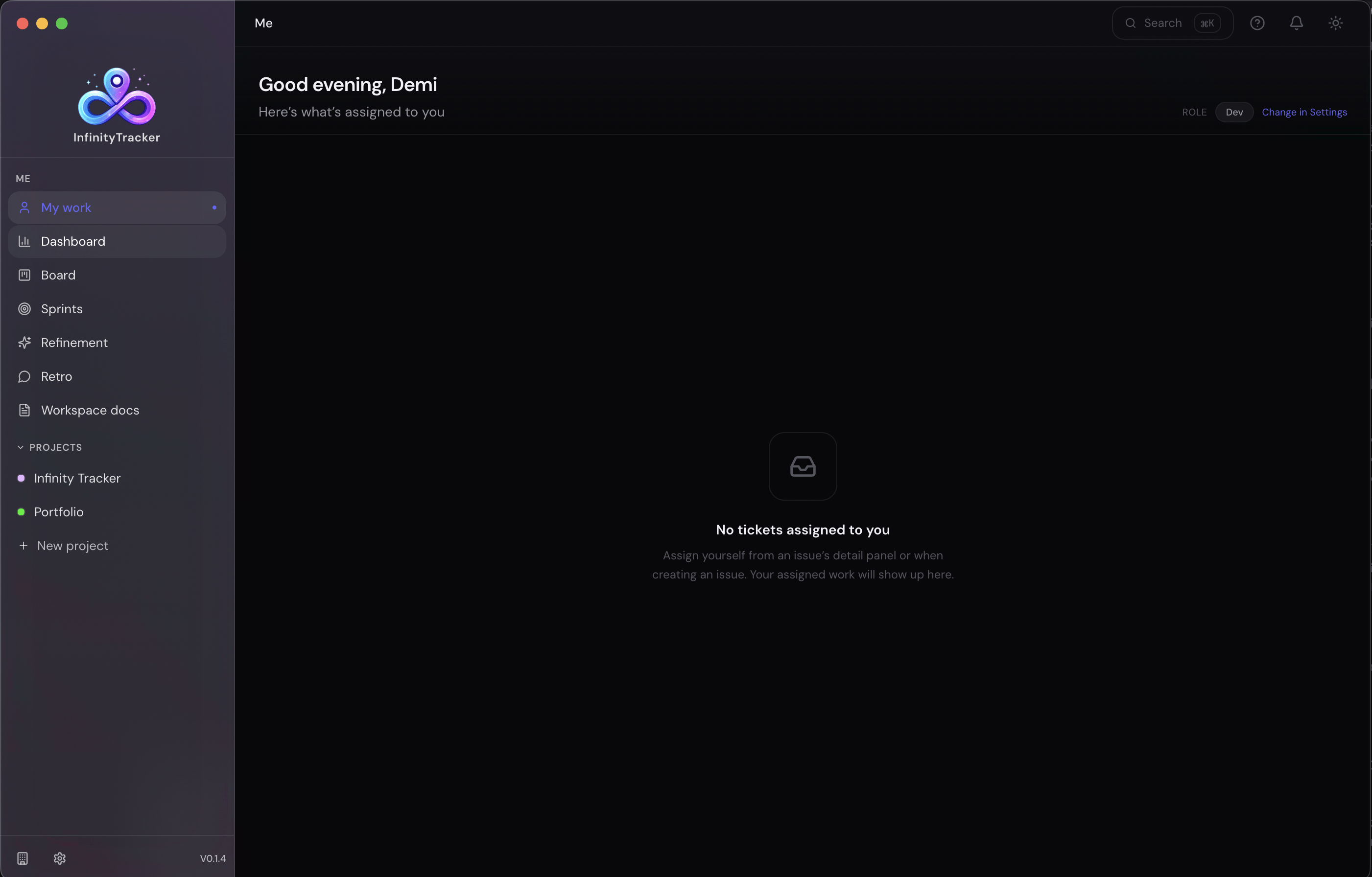
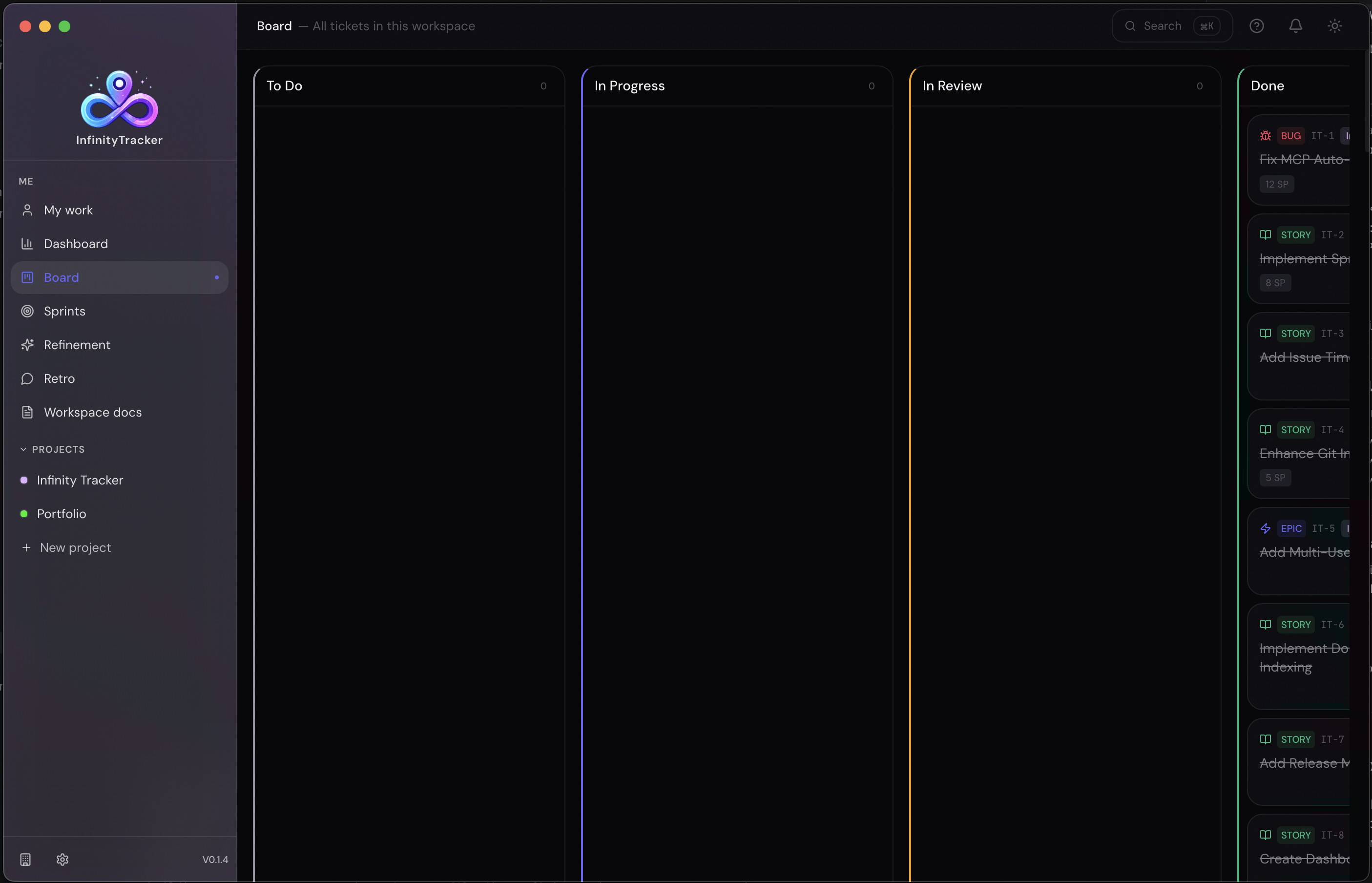
Visual drag-and-drop board with customizable columns mapped to issue statuses. Real-time updates across all views. Sprint filtering for focused work. Quick issue creation and editing.
Jira-like issue management with unique keys (IT-1, IT-2), multiple issue types (Epic, Story, Task, Bug, Subtask), priority levels (Critical, High, Medium, Low, None), status workflow (Backlog → To Do → In Progress → In Review → Done), and rich metadata (assignees, labels, story points, descriptions).
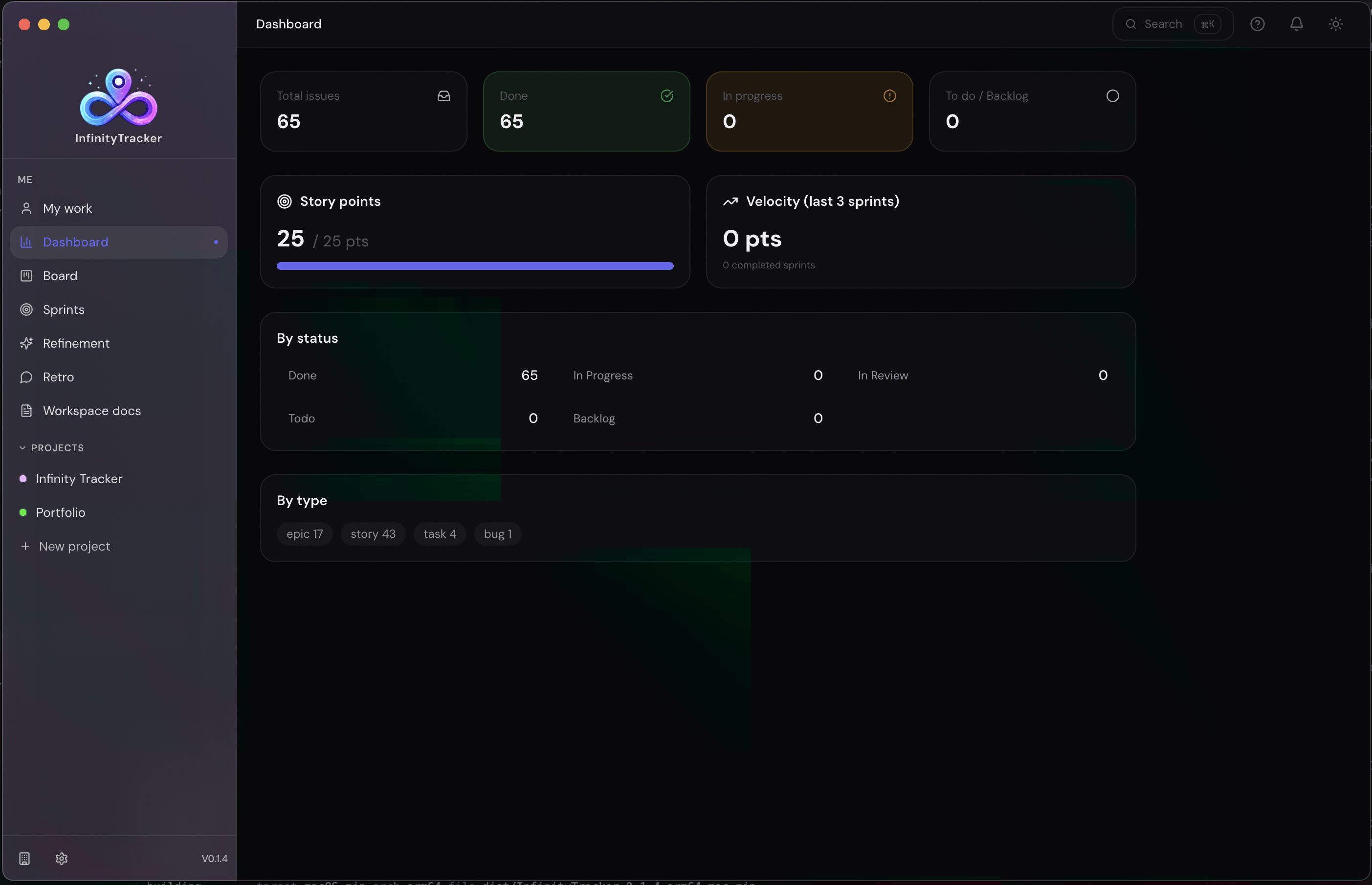
Agile sprint management with drag-and-drop planning, active and planning sprints, sprint goals and timelines, automatic issue rollover to next sprint, and sprint-filtered board view. Sprint metrics include velocity, burndown, and completion rates.
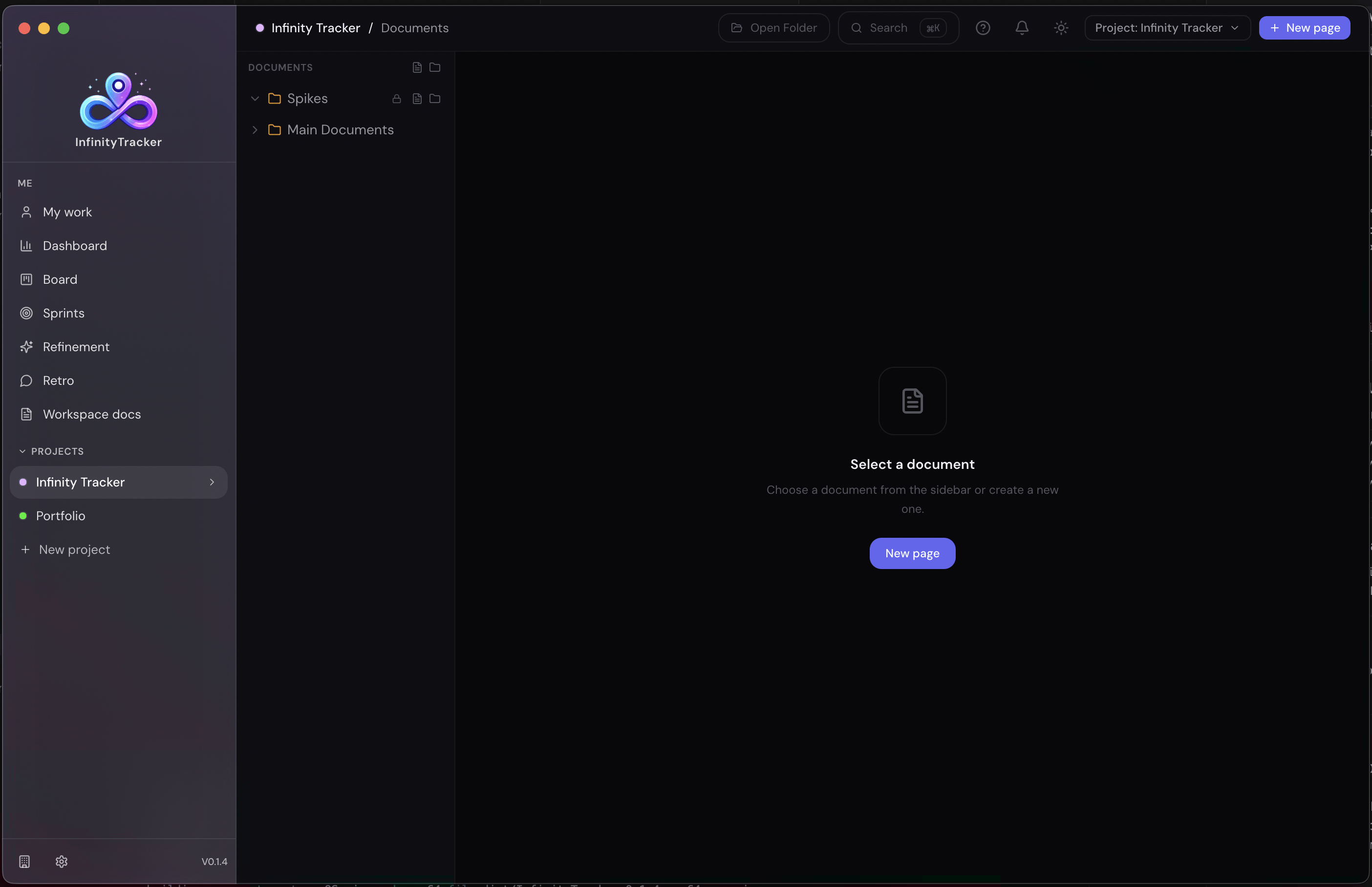
Block-based document editor with Markdown support. View and Edit modes. Nested document hierarchy for project and workspace organization. Documents are stored locally (SQLite) and synced to cloud (Supabase) when enabled.
Timeline view with issues grouped by sprints and statuses. Dependencies between issues shown as arrows. Milestones marked with flags. Zoom and pan controls for navigating the timeline.
High-level project roadmap with milestones, releases, and timelines. Issues are aggregated into epics or features. Roadmap is updated automatically based on issue status and due dates.
Local MCP server for AI tools. Exposes endpoints for issue creation, updates, and queries. Integrates with desktop app's issue database. Uses JWT or API key authentication.
Create Git branches from issues. Auto-generate branch names (issue/<key>-<title>). Commit messages include issue keys. Push to remote repository when configured.
Challenge
A dual-storage architecture. The desktop app uses SQLite as the primary data source, with Supabase as an optional sync target. Data is synced bidirectionally: changes in the desktop app are pushed to Supabase, and changes in the web app (or other desktop instances) are pulled via Realtime. Sync is opt-in — users can use the desktop app fully offline without any cloud account. When cloud sync is enabled, a sync layer handles conflicts (last-write-wins for most fields, manual resolution for critical data). This means the desktop app works fully offline, but users can add cloud sync when they need it.
Challenge
Zustand stores for state management, with DND Kit for drag-and-drop. Each column is a separate component that subscribes to the board store. When an issue is dragged, the store updates the issue's status and triggers a re-render of the affected columns only. Real-time updates from Supabase (when cloud sync is enabled) are handled by the same store, ensuring consistency across views. Sprint filtering is applied at the query level, not the render level, to avoid unnecessary computations. This means the board is fast and responsive, even with hundreds of issues.
Challenge
React Flow for the Gantt chart rendering. Issues are rendered as nodes with custom shapes (bars for issues, diamonds for milestones). Dependencies are rendered as edges with arrow markers. Zoom and pan are handled by React Flow's built-in controls. To avoid lag, issues are grouped by sprint and status, and only visible groups are rendered. Dependencies are pre-computed and cached. This means the Gantt chart is interactive and responsive, even with complex project structures.
Challenge
A flexible data model with optional fields. Issues have standard fields (title, description, status, priority) plus optional fields (sprint_id, milestone_date, dependency_ids). Sprints are optional — if a project has no sprints, the board still works as a simple Kanban. Milestones are optional — if a project has no milestones, the Gantt chart still shows issues as bars. Dependencies are optional — if an issue has no dependencies, it's just a standalone task. This means users can use the app for Agile, Waterfall, or a hybrid approach, without being forced into one methodology.
Challenge
A well-structured schema with RLS policies on every table. Workspaces are the top-level entity; projects belong to workspaces; issues belong to projects. RLS policies check workspace_id against the user's membership. Realtime subscriptions are scoped to workspace and project, so users only receive updates for data they can see. Edge Functions handle custom logic (invite-workspace, audit-log, mcp-webhook) with JWT or API key authentication. Storage buckets are workspace-scoped, with RLS policies restricting access. This means the cloud API is secure, scalable, and performant — users only see their data, and updates are delivered in real-time.
3 components
Desktop app (Electron), Web app (React + Vite), Cloud API (Supabase)
Local-first desktop
SQLite storage, works fully offline
Optional Cloud Sync
Supabase for multi-device access and team collaboration
Agile + Waterfall
Kanban boards, issue tracking, sprints, Gantt charts, roadmaps
Cloud API
Auth, PostgreSQL, Realtime, Storage, Edge Functions, RLS policies
MCP server
Local AI tool integration for issue management
workspace_id foreign key, and every policy needs to check membership.